There is no data cap on most US residential Starlink plans, and that sentence is true in a way that will eventually annoy you. What exists instead is a priority system: your traffic is never cut off, but when a cell is busy it can be put in a slower queue, and that queue is what the fair-use policy is really about.
Most of the confusion comes from treating “cap” and “deprioritization” as the same thing. They are not, and the difference decides whether you can run a business from a rural address.
Cap, throttle, priority: three different things
| Mechanism | What happens | Typical |
|---|---|---|
| Hard cap | Service stops or is metered past a limit | Rare on residential |
| Throttle | Speed permanently reduced to a ceiling | Not the usual mechanism |
| Priority | Same connection, lower queue position under load | The one that applies |
A cap is a wall. A priority system is a slope. With a wall, you know when you hit it. With a slope, you notice that evenings got worse and cannot tell whether it is you, your neighbor, or the policy.
What “unlimited” is doing in the sentence
Unlimited refers to volume, not to speed or priority. You can move as much data as you like; what you cannot do is guarantee the rate at which it moves when the cell is congested.
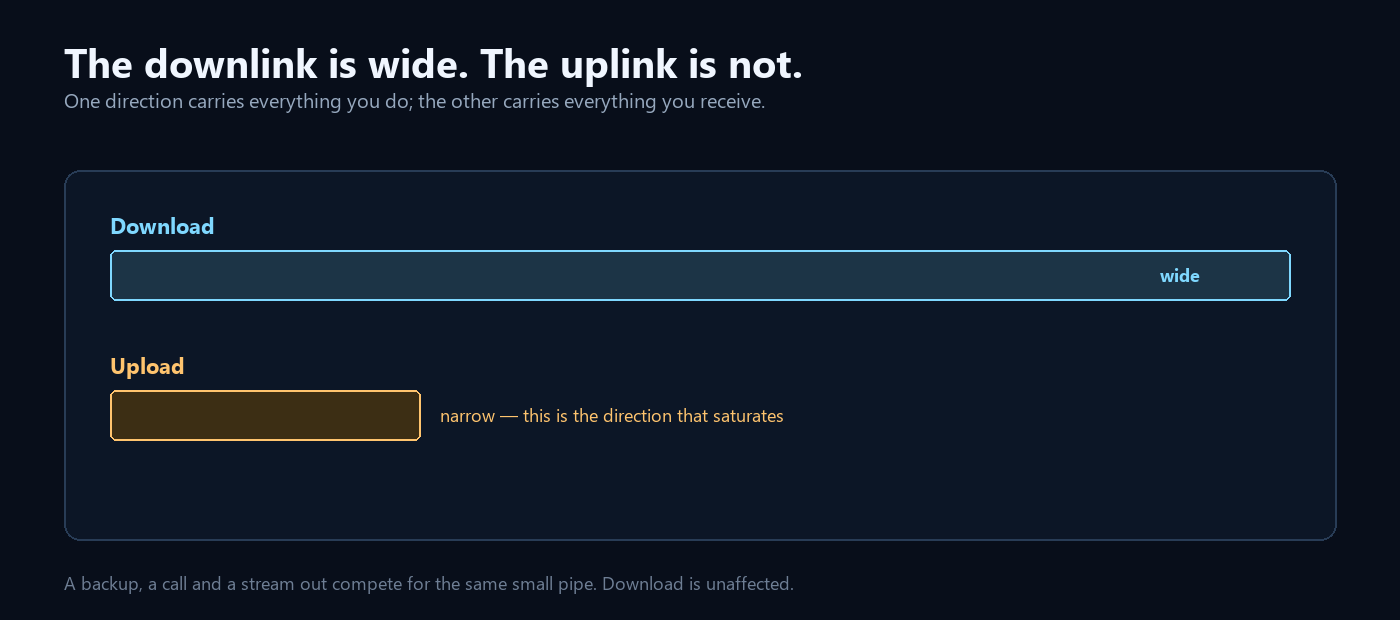
For a household that streams, that distinction is invisible. For anyone pushing backups, camera feeds, or large uploads, it is the only distinction that matters — because the upload direction saturates long before the monthly volume becomes interesting.
How to tell whether you are being deprioritized
It is a shared queue, and your position in it depends on your plan and the cell’s load. Nothing in your install causes a pattern that repeats at the same hour and disappears overnight.
A speed test at 3am measures the cell at its emptiest. The same test at 9pm measures the queue. If you only ever test at a quiet hour, you are measuring the best case and calling it normal.
Monthly volume alone does not trigger a throttle on residential plans. What matters is the instantaneous load and your plan’s priority, not the total you moved last week.
What actually moves a lot of data
Volume rarely matters on its own, but knowing what your habits consume makes the months when something changes easier to diagnose.
| Activity | Rough data per hour | Notes |
|---|---|---|
| HD streaming | ~3 GB | 4K is several times higher |
| Video call | ~0.5–1.5 GB | Depends on resolution and camera |
| Cloud backup, continuous | Highly variable | The upload problem, not the volume one |
| Security camera, cloud | ~1–4 GB per camera per day | Often the surprise line item |
Notice that the top three are all normal household behaviour, and none of them comes close to a terabyte in a month. A camera system or a continuous backup can, which is where people start looking for a cap that does not really exist.
The practical consequence for a home business
If your work depends on upload — video calls, backups, publishing, camera streams — the residential priority tier is a gamble at peak. Two ways to reduce it: move the traffic off-peak where the work allows, or take a higher-priority line rather than hoping the evening behaves.
The cheapest fix is scheduling. A backup that runs at 2am is invisible; the same backup at 7pm is the reason a call drops. That single change resolves most “Starlink cannot do my job” complaints before anyone spends money.
When a business line is the honest answer
If the connection needs to carry revenue — clinics, farms running telemetry, trades booking jobs from a truck — the residential priority tier is the wrong tool, not because it is capped but because it is not guaranteed.
Business lines exist for that case and cost more for a reason that is not speed. What you are buying is a better position in the same queue, plus terms that are written for someone whose income depends on the link. If that description fits, comparing headline Mbps between the two is missing the point entirely.
The one number nobody checks
Your plan is provisioned to a cell, and the cell’s load is not published. That means the honest answer to “will this plan be enough” is that nobody can tell you in advance — including the provider’s own map, which shows coverage rather than contention.
What you can do is measure after the fact. Two tests a day for a week gives you a shape: morning, evening, and the ratio between them. That ratio is your effective plan quality, and it is more useful than any published speed range.
What to check before blaming the plan
- Test at two times. 7am and 9pm. A large gap is load; a flat, mediocre line all day is something else entirely.
- Test from a wired device. A Wi-Fi client measures your walls as well as the cell.
- List the uploaders. Before assuming policy, confirm nothing in the house is filling the narrow direction.
- Read your own terms. Priority language differs by plan and changes with it. The version you agreed to is the one that governs.
Do this today: run a speed test at 7am and again at 9pm, and write both numbers down. If the evening number is less than half the morning one, you are looking at load rather than a fault — and no hardware purchase changes it.
This is part of the service chapter in the Starlink 101 framework. How cells work explains the shared pool behind that evening number, and upload as the bottleneck covers the direction that saturates first.