If fiber reaches your address, take the fiber. That is the whole answer, and everything below is about the cases where it does not — because those cases are where the comparison actually matters, and where most articles get it wrong by publishing a spec table and calling it a day.
Fiber and Starlink are not competing products. One is a wire to a specific address. The other is coverage over an entire country. They only look comparable if you ignore what each one is for.
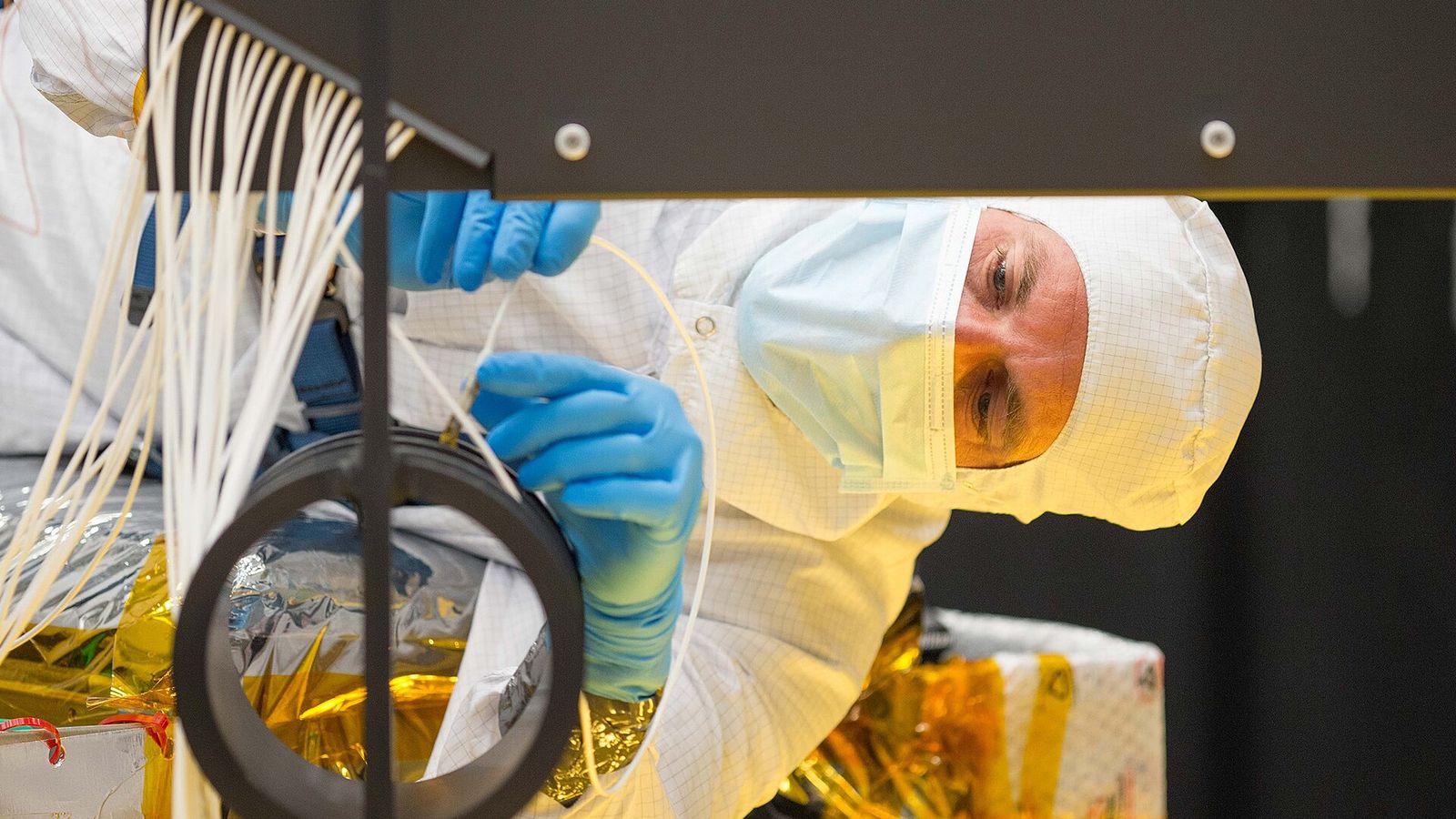
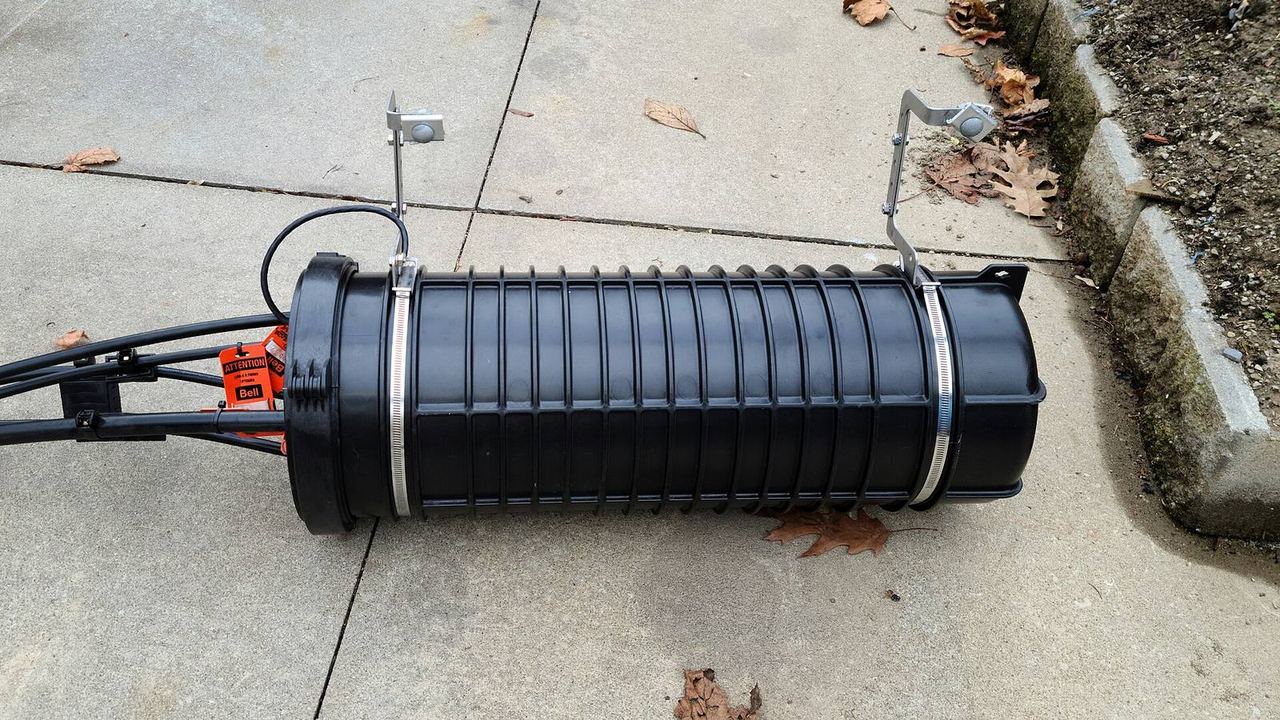
Fiber’s problem is the last hundred metres. The backbone has run on fiber for decades; what costs the money is digging up your street, pulling a drop to your wall and paying a technician to terminate it. Where that has happened, you get a connection that is fast, symmetric, and indifferent to weather.
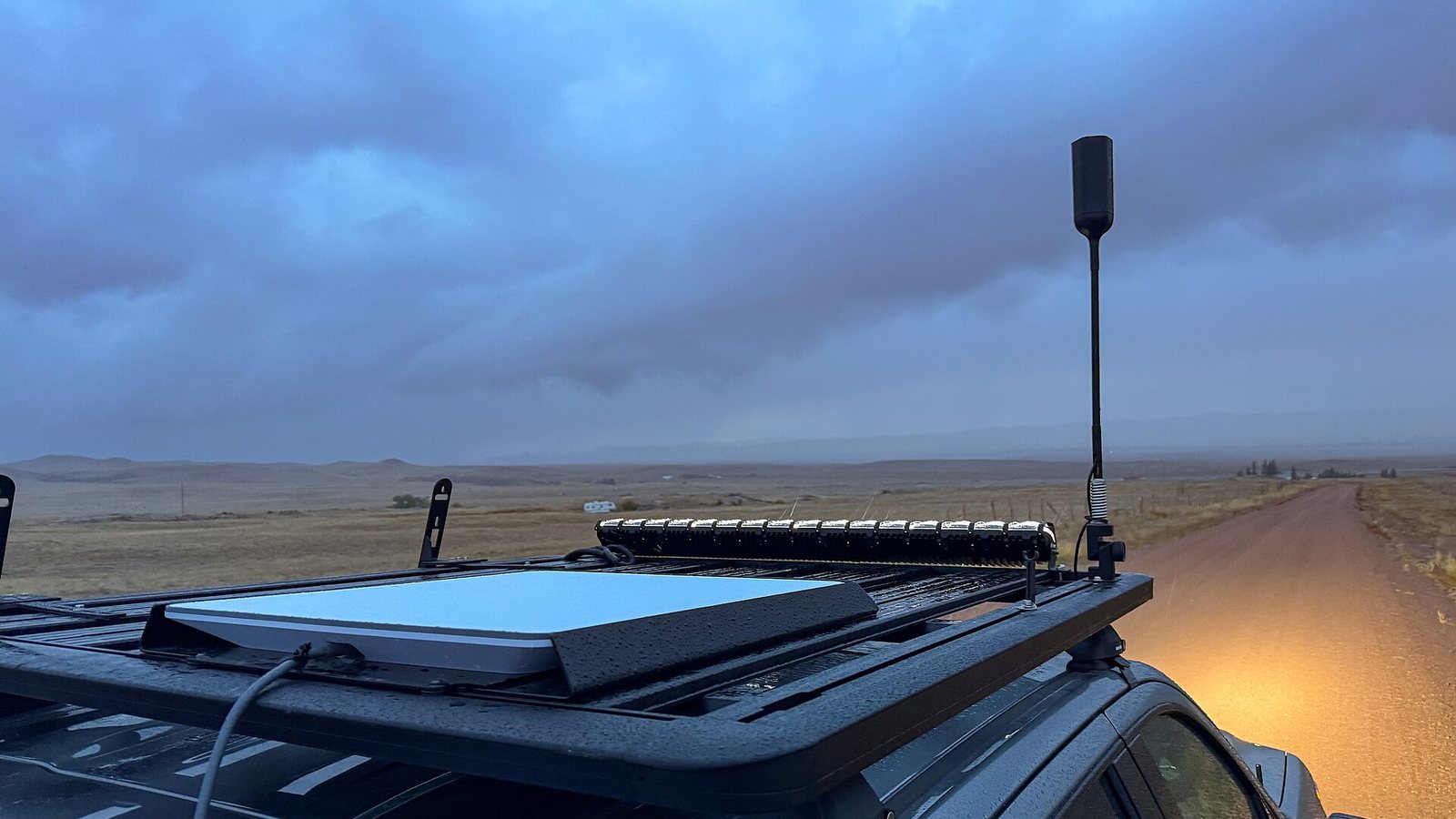
Starlink’s problem is the sky above you. It does not care whether a road exists, whether a pole is standing, or whether the population density justifies the trench. It only needs a dish with a clear view and the capacity in your cell to serve you.
So the honest framing is this: fiber is infrastructure, and Starlink is a patch applied where infrastructure is absent. A patch is not worse than a road. It is a different category of thing that happens to do a similar job.
Performance: why the specs do not compare directly
| Dimension | Fiber | Starlink |
|---|---|---|
| Download | 100–1,000+ Mbps | 25–220 Mbps |
| Upload | Symmetric — same as download | 5–25 Mbps |
| Latency | 2–10 ms | 25–60 ms |
| Sharing | Dedicated to a splitter | Shared across a cell |
| Weather | None | Heavy rain slows it |
| Continuous power | 5–10 W | 60–90 W |
| Typical outage cause | Someone cuts the line | Obstruction, snow, congestion |
Three of those rows matter more than the headline speeds, and they are the ones people skip.
Upload is not symmetric on Starlink. If your day involves video calls, large backups, or publishing video, 5 to 25 Mbps up is the constraint you will hit first. Download speed sells the service; upload speed is what makes it feel like a business connection or not.
Starlink draws real power. A Standard kit plus the router runs 60 to 90 W continuously. Over a year that is roughly 600 kWh, or about $100 at a US average rate. Fiber’s optical modem uses a fraction of that. If you are on a battery, this stops being a rounding error and becomes the main design constraint.
Congestion is shared, not dedicated. A fiber drop is yours. A satellite cell is a neighbourhood, and at 8 p.m. everyone in it is streaming. This is why two Starlink dishes a few miles apart can show different numbers on the same evening while two fiber connections in the same town rarely do.
Cost: only the five-year number is honest
Monthly prices are the least useful comparison in this category, because the entry costs are structured differently. Starlink in the US has moved to renting the kit at around $10 a month instead of selling it outright, which lowers the door fee and raises the lifetime cost. Fiber often has an installation charge and sometimes a contract.
| Item | Fiber | Starlink |
|---|---|---|
| Up-front | $0–300 install | ~$10/mo kit rental |
| Monthly service | $50–80 | $55–156, plan and area dependent |
| Five years of service | $3,000–4,800 | $3,300–9,400 |
| Five years of power | ~$45 | ~$500 |
| Five-year total | ~$3,050–5,150 | ~$4,400–9,900 |
Using a mid-range comparison — $65 fiber against $100 Starlink — the gap over five years is roughly $3,000 once you add the electricity. That number is the whole argument. You are not paying $3,000 for a slower connection. You are paying it for the fact that one of these exists at your address today and the other does not.
Does Starlink use fiber optic? Partly — and that is where the confusion starts
Search for “Starlink fiber optic” and two different questions come back tangled together. One is whether Starlink uses fibre at all. The other is whether fibre is simply better. Both have short answers.
Starlink is radio at the edges and fibre in the middle. The link from your dish up to the satellite is radio, in the Ku band. The link from the satellite down to a ground station is radio too, in the Ka band. But from that gateway onward your traffic rides the same fibre backbone as the rest of the internet. The satellite replaces the last hundred metres, not the whole route.
Fibre is better wherever it exists, and not for marketing reasons. Light in glass does not care about rain, does not share a medium with the neighbours, and attenuates slowly enough — roughly 0.2 dB per kilometre in modern single-mode — that a signal can run tens of kilometres before it needs help. A radio link to a satellite has to fight weather, distance and everyone else in the same cell, every second of the day.
So the comparison is not satellite against fibre as technologies. It is a shared radio link that reaches everywhere against a private glass link that reaches certain addresses. The technology question has one answer; the address question is the one that decides what you buy.
Three situations, three verdicts
Do not overthink it. Symmetric upload, single-digit latency, no weather dependency, no dish to clear of snow, and a lower bill. The only reason to keep a Starlink subscription alongside is redundancy for work that cannot afford an outage — and then you are buying an insurance policy, not a connection.
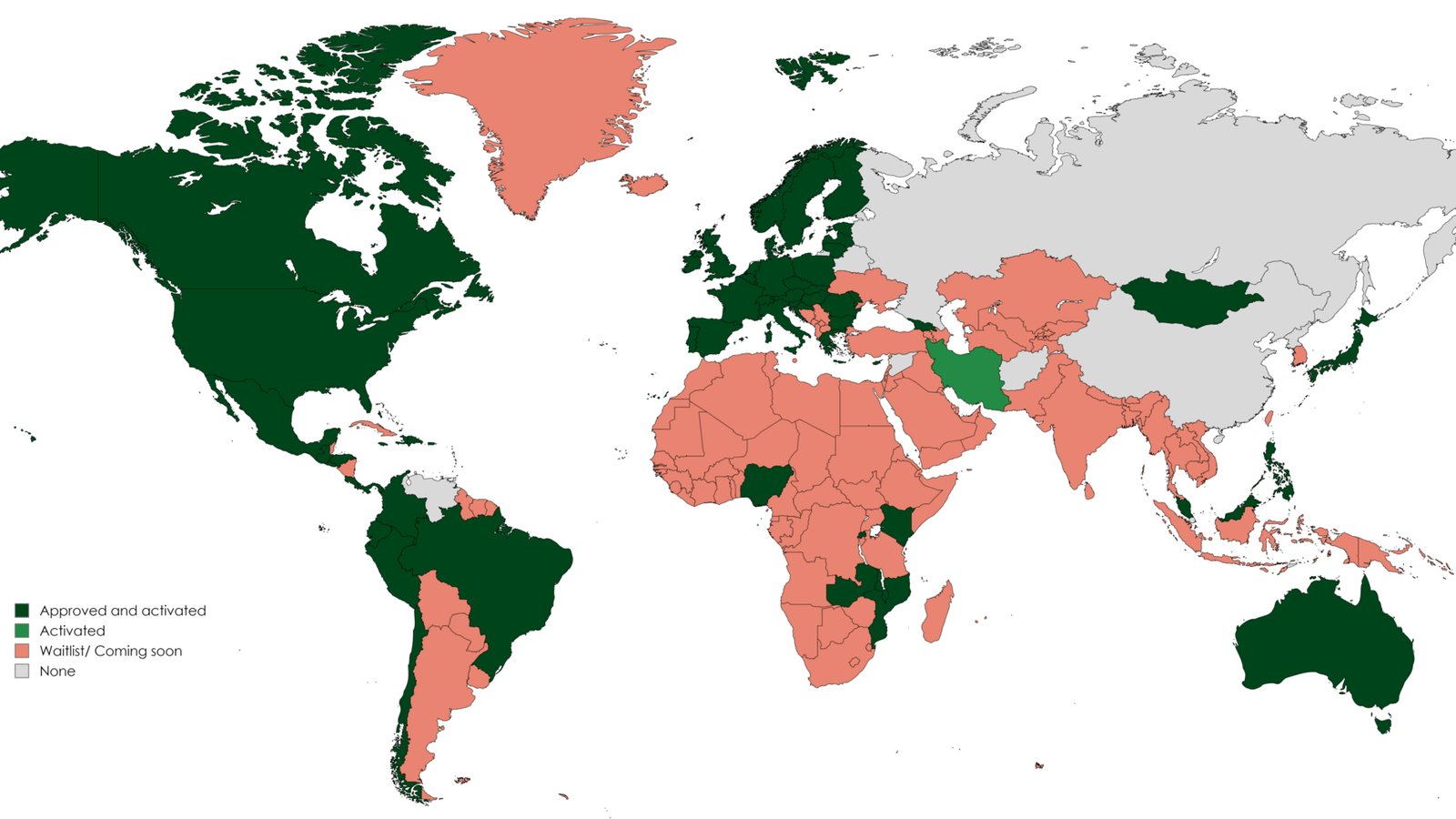
Start Starlink and stay in the fiber queue. There is no long contract locking you in, so when the trench finally reaches your wall you switch and sell or return the kit. A year of waiting is more expensive than a year of Starlink if your income depends on being online.
A wire cannot follow you, and this is the case the service was built for. The trade-offs still apply — power draw, weather, upload — but there is no fiber option to weigh them against, which makes the decision simple.
The variable nobody compares: upload and throttling
Fiber is usually uncapped and unmanaged at the consumer level. Starlink prioritises traffic and can slow you during peak demand or after sustained heavy use, depending on the plan. That is a rational design choice for a shared radio link, and it is not a defect — but it changes what the connection is good for.
If you upload video for a living, back up a NAS to the cloud, or run a livestream, the combination of asymmetric upload and deprioritisation makes Starlink a poor primary connection even where it is the only option. People in that situation typically keep a local drive and schedule uploads overnight. It works; it is just not the same product.
The thirty-second test
Forget the spec sheets. Do two things before you order anything.
- Look up your address on your country’s broadband map. In the US that is the FCC National Broadband Map. It tells you what is actually available, not what an ISP advertises nationally.
- Call the fiber provider and ask for a real quote. Two numbers: the monthly price after any promotional period, and the install date they will commit to in writing.
Then apply one rule:
The 1.5× is not arbitrary. It is roughly where most people stop being willing to pay for convenience — above that, the premium stops feeling like a fair trade and starts feeling like being taken advantage of. The six weeks is about how long a household can reasonably run on a hotspot before the workaround becomes the problem.
Do this today: look up your address and make one phone call. If the fiber provider cannot give you a date, you have your answer — and you can order Starlink this evening instead of waiting another month to find out.
For the rest of the picture — how the constellation works, what your dish is actually doing, and where the service breaks down — start with the Starlink 101 framework. If you have already decided on Starlink and need to power it, the wattage breakdown is the next thing to read.